Geography: This article is applicable for ANZ Transactive Global customers banking in Australia. Full details are available in Features by Geography.
- Loans e-statements can be downloaded for eligible deals that are assigned to User Permissions.
- Generate a Facility Summary Report from the Facility Summary screen.
About Loans e-Statements
Loans e‑Statements provide a flexible way to access electronic statements for eligible Australian‑domiciled loan deals. You can generate statements from 1 October 2025 onwards.
Loans e‑Statements provide:
- More reportable fields for richer loan data
- Extended date ranges to view and compare information
- Downloadable PDF statements, ready to save, share or reconcile
You can generate and download e‑Statements directly from the Loans menu, choosing the date range that suits your reporting needs.
Generate a Loan e-Statement
| STEP | ACTION |
|---|---|
| 1 | Click Loans > e-Statements menu |
| 2 | Select a deal or type in the deal number, name or currency, and select deal |
| 3 |
Select a date range. Choose from:
|
| 4 | Click Get Statements to view a list of statements for the date or date range |
| 5 | Click the row to download and save the Loans e-Statement to a PDF format |
ANZ Customer Loan Statement
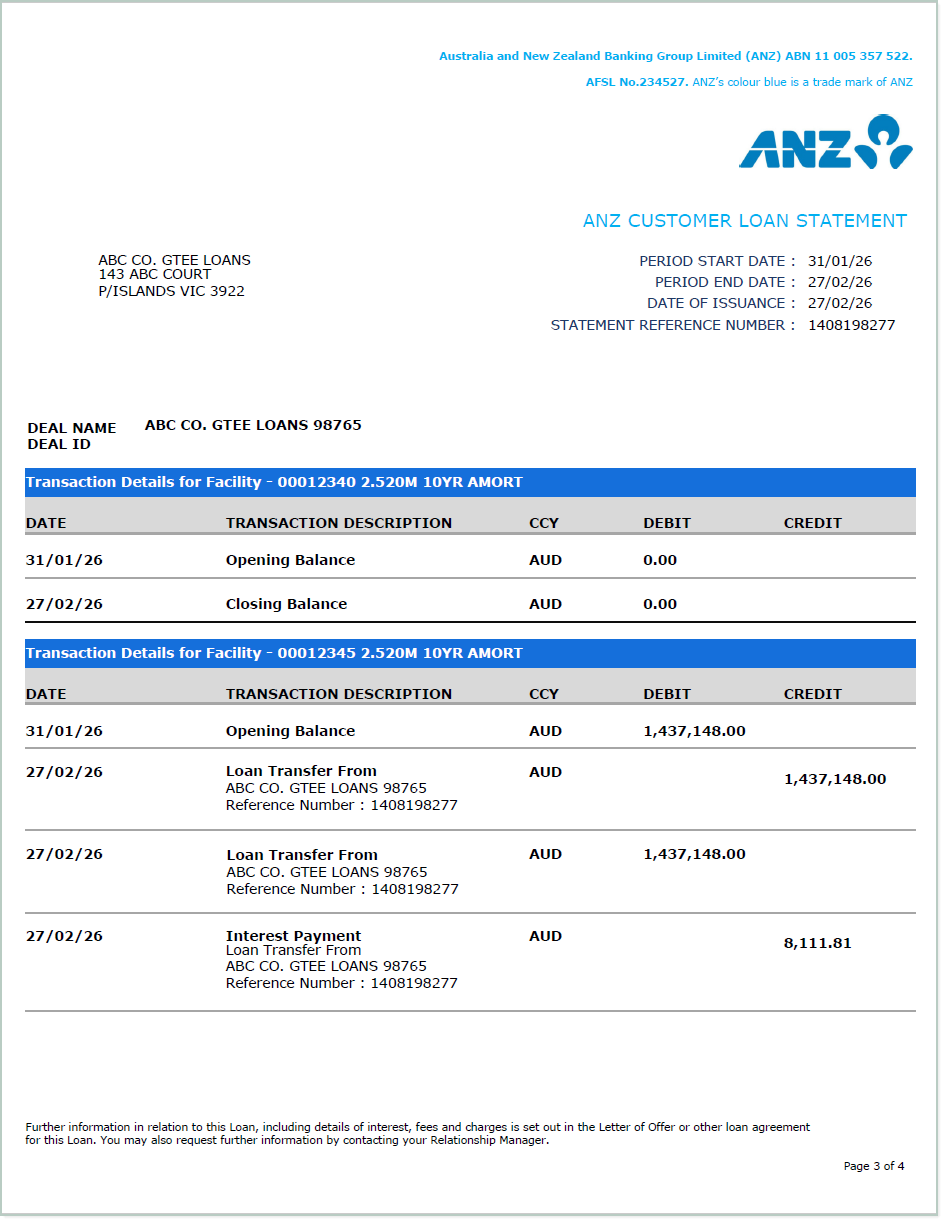
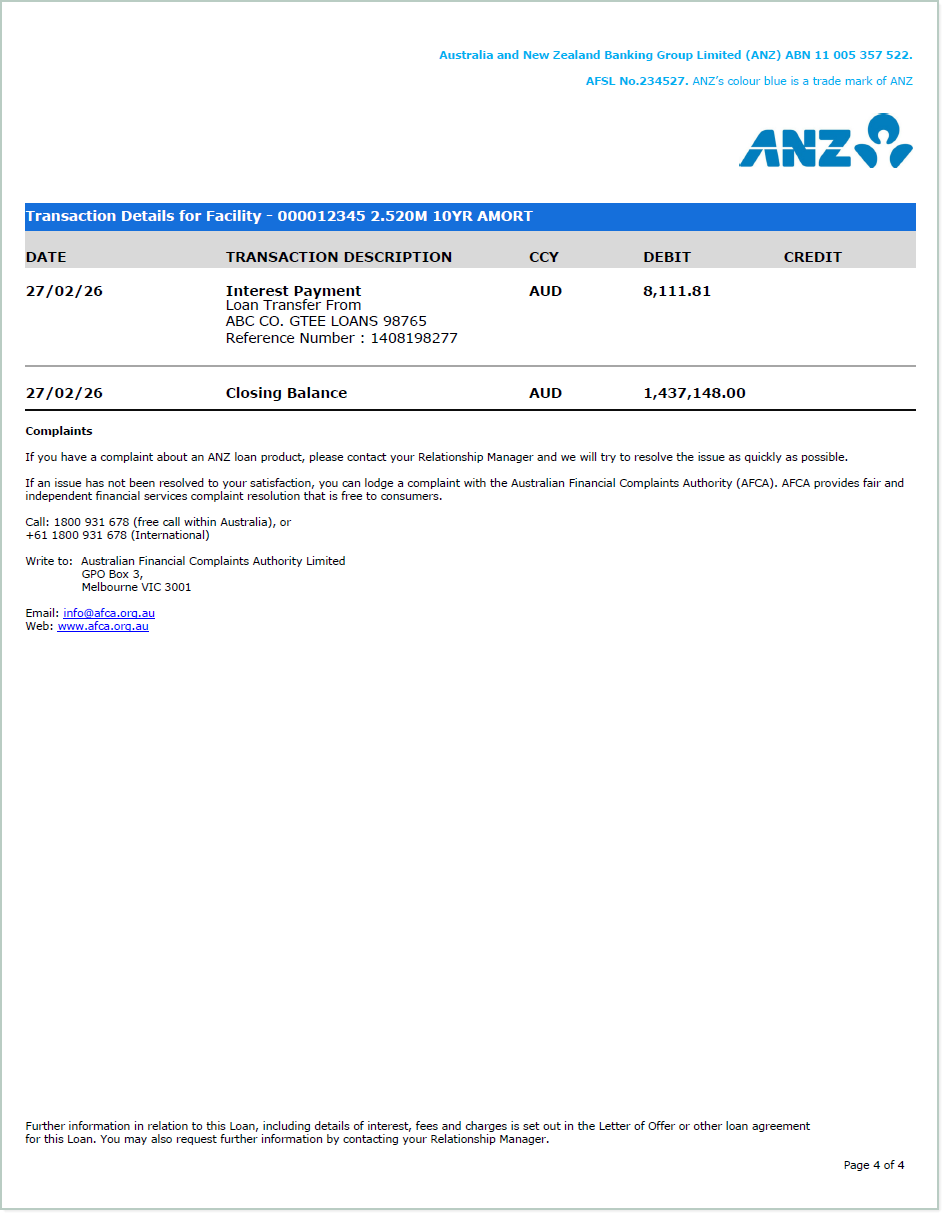
View a sample loan e-Statement with details such as Deal ID, currency & amount, interest, borrower details and transaction details for facility.
Sample Loan e-Statement
Deal summary information
Borrower Details 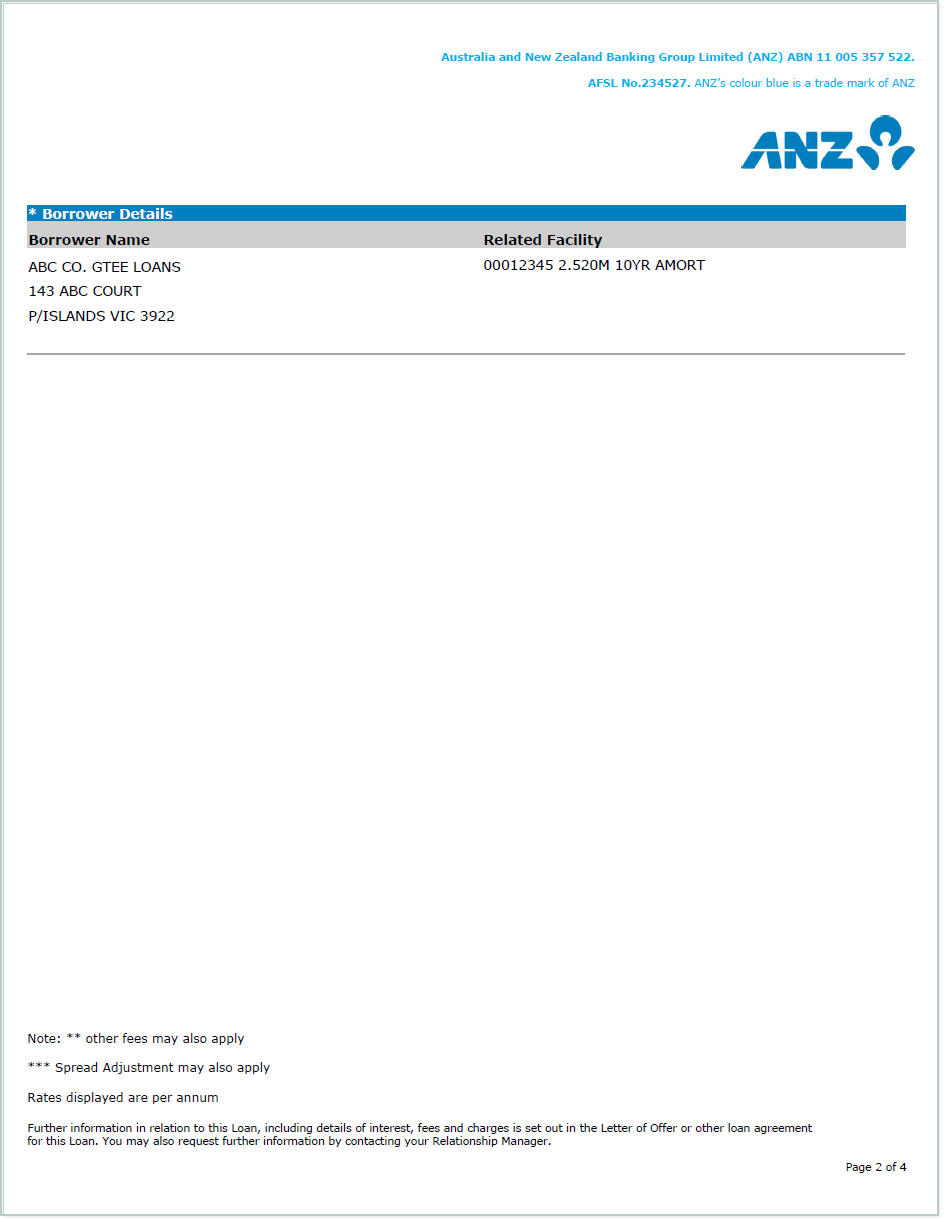 Transaction details for facility